# Document Hovercards
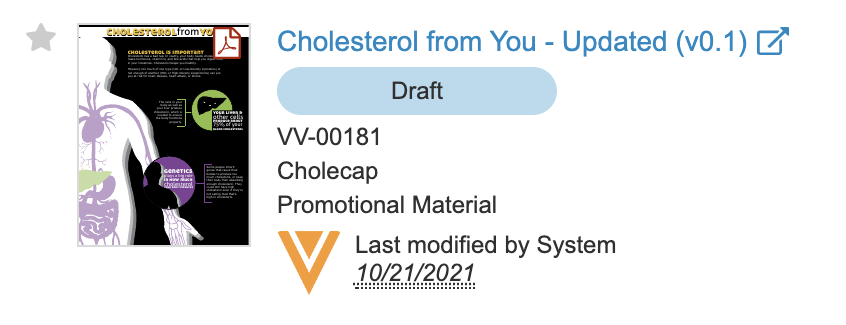 When you hover over a document name in the Library grid view, a report, or in an object record, a hovercard appears with a thumbnail preview, lifecycle state, the last modified date and user, and the following document field values:
* Document ID
* Product
* Document Type
You can click the pop-out icon (
When you hover over a document name in the Library grid view, a report, or in an object record, a hovercard appears with a thumbnail preview, lifecycle state, the last modified date and user, and the following document field values:
* Document ID
* Product
* Document Type
You can click the pop-out icon ( ) in the document hovercard to open the document in a new mini-browser window. When you click another document hovercard pop-out icon, the current mini-browser window refreshes to display the new document.